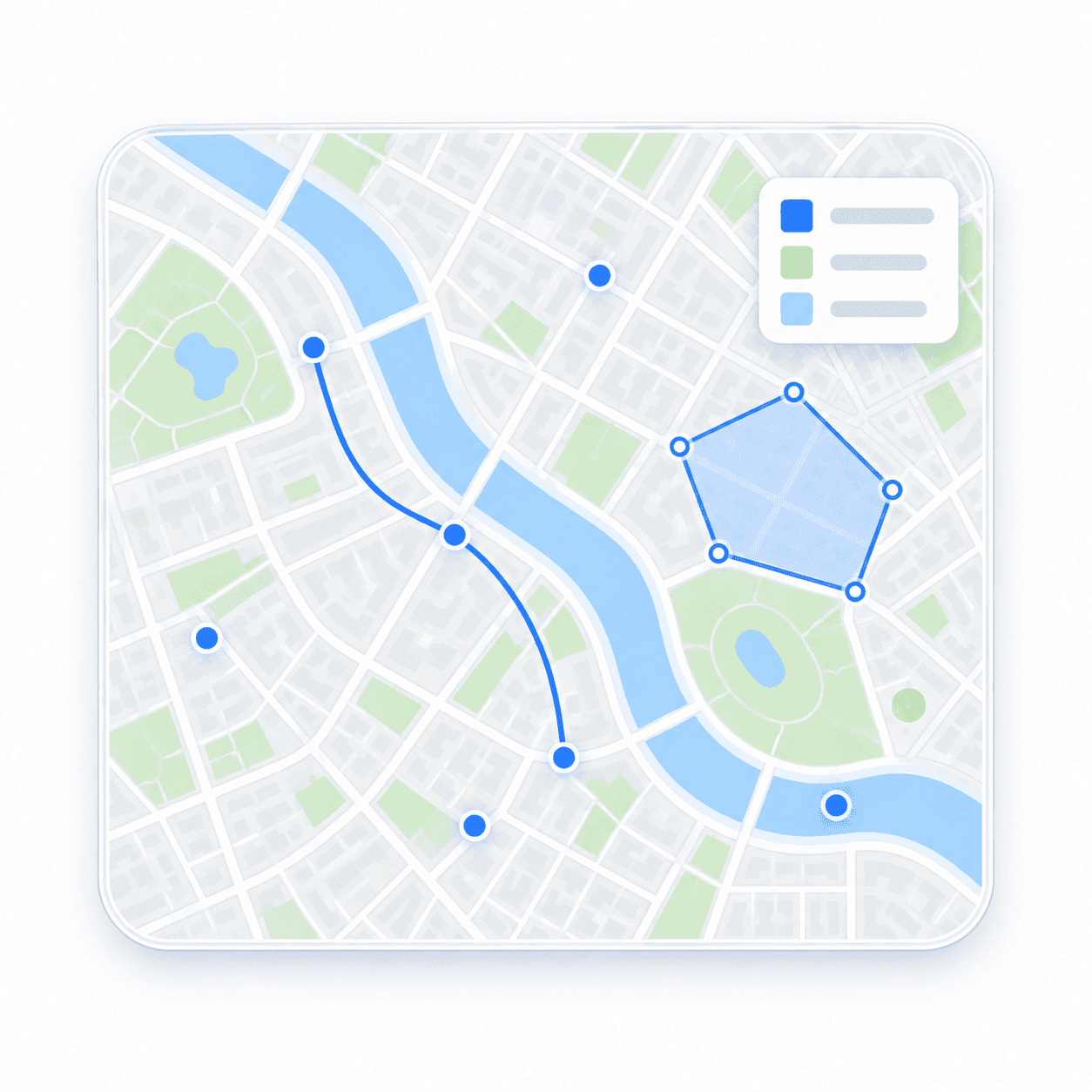
Beautiful Maps That Match Your Brand
Transform data into stunning visual stories with custom map styles, interactive layers, and dynamic overlays. Create maps that don't just show locations they captivate users and reinforce your brand identity.
Who Uses Custom Map Visualization?
From enterprise dashboards to consumer apps, custom maps create memorable user experiences.
Real Estate Platforms
Showcase properties with custom-styled maps that match your brand and highlight key amenities
Business Analytics
Visualize sales territories, customer distribution, and market data with interactive heatmaps
Social & Media Apps
Create engaging location-based experiences with custom markers and branded map themes
Mobile Applications
Design beautiful in-app maps that seamlessly integrate with your app's visual identity
Travel & Tourism
Build immersive travel guides with custom points of interest and themed map styles
Enterprise Solutions
Deploy consistent branded maps across all customer touchpoints and internal tools
Why Custom Map Visualization Matters
Generic maps blend into the background. Custom-styled maps that match your brand create trust, improve engagement, and make your application memorable.
- Reinforce brand identity with maps that match your color scheme and design language
- Improve user engagement with interactive visualizations that reveal insights at a glance
- Stand out from competitors with unique map styles that users won't find anywhere else
Brand-Matched Map Styling
Create maps that feel like a natural extension of your brand. Customize colors, fonts, icons, and every visual element to match your design system perfectly.
- Custom Color Schemes: Apply your brand colors to roads, buildings, water, and all map elements
- Typography Control: Use your brand fonts for labels, place names, and map annotations
- Icon Customization: Replace default markers with custom icons that match your visual language
- Dark & Light Themes: Create multiple style variants for different contexts and user preferences
Geospatial Data Visualization
Turn raw location data into actionable insights with heatmaps, clusters, and custom overlays. Visualize patterns, trends, and distributions that are invisible in spreadsheets.
- Heatmap Layers: Show density, intensity, or concentration with gradient color overlays
- Point Clustering: Intelligently group nearby points for clean visualization at any zoom level
- Choropleth Maps: Color-code regions by data values to reveal geographic patterns instantly
- Custom Data Layers: Overlay sales territories, delivery zones, or any custom geographic boundaries
Interactive Map Features
Engage users with maps they can explore, filter, and interact with. Add popups, tooltips, animations, and real-time updates that transform static maps into dynamic experiences.
- Rich Popups & Tooltips: Display detailed information when users click or hover over locations
- Layer Toggles: Let users show/hide different data layers to focus on what matters to them
- Real-Time Updates: Update map data dynamically without page reloads for live tracking scenarios
- Click & Draw Tools: Enable users to draw shapes, measure distances, and interact with map data
Visualization APIs
Build beautiful, interactive map experiences with our core visualization APIs
Maps API
Display beautiful, customizable maps with vector tiles and flexible styling options
- Vector and raster tile rendering
- Custom map styling and theming
- Interactive map controls and layers
Geocoding API
Transform addresses into coordinates to visualize locations on your map
- Forward geocoding for address to coordinates
- Reverse geocoding for coordinates to address
- Real-time autocomplete for address suggestions
Search API
Enable users to search and discover locations with autocomplete functionality
- Real-time search suggestions
- Location-based autocomplete
- POI and address search
Ready to Create Beautiful Maps?
Start building custom-styled, interactive maps that users love.
Free tier available. No credit card required.